15 tcpdump Command Examples – Resolve Networking Issues
Tcpdump is a network traffic analysis tool that provides a clear image of what is...
Hands-On Technical Tutorials
Networking video tutorials for freshers and learners
Tcpdump is a network traffic analysis tool that provides a clear image of what is...

Describing various protocols NAT DHCP DNS Proxy Server and TCP IP. Internet is an interconnected...

Troubleshooting Networking Data transmitted within a network travels through various physical devices and finally reaches...

Network Security and Protocols Explained in detailed in this video session. Network Security and protocols...

by Ankam Ravi Kumar · Published February 19, 2016 · Last modified May 24, 2026
identify and compare wired and wireless networking In this lesson you will learn below topics....

Installing the Network. Cabling – Structured cabling connects all the systems in an organised way...
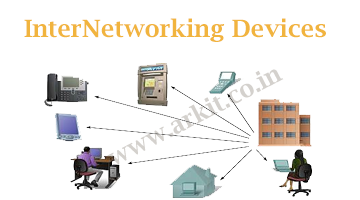
InterNetworking Devices – Networking devices connect multiple LAN’s together to extended a network. They act...

IP Addressing – Networking – A Unique number called the internet protocol (IP) address identifies...
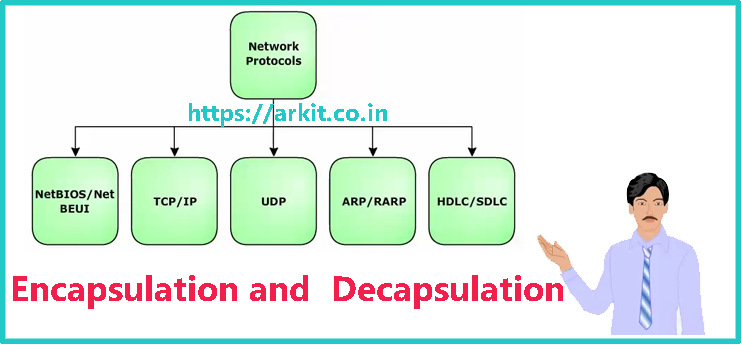
Network protocols are a predefined set of rules, which govern the transfer of data and...
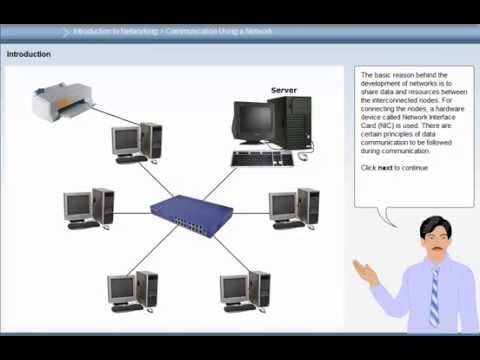
Communication using a Network – The basic reason behind the development of networks is to...

by Ankam Ravi Kumar · Published November 24, 2015 · Last modified May 24, 2026
IPV4 Address Classification – Video Tutorial IPv4 Address Classification Bit is represented by 0 or...

by Ankam Ravi Kumar · Published November 12, 2015 · Last modified May 24, 2026
Other Network Architecture – Network design principles. Network architecture defines various network elements along with...
Subscribe to ARKIT and receive Linux, AWS, DevOps, Storage and troubleshooting updates directly in your inbox.
No spam. Only useful technical updates.
We use cookies to improve your experience on our site. By using our site, you consent to cookies.
Manage your cookie preferences below:
Essential cookies enable basic functions and are necessary for the proper function of the website.
These cookies are needed for adding comments on this website.
Google Tag Manager simplifies the management of marketing tags on your website without code changes.
Statistics cookies collect information anonymously. This information helps us understand how visitors use our website.
Google Analytics is a powerful tool that tracks and analyzes website traffic for informed marketing decisions.
Service URL: policies.google.com (opens in a new window)
Clarity is a web analytics service that tracks and reports website traffic.
Service URL: clarity.microsoft.com (opens in a new window)
You can find more information in our Cookie Policy arkit – Tech Tutorials and .


